About this work
One topic, four demonstrations
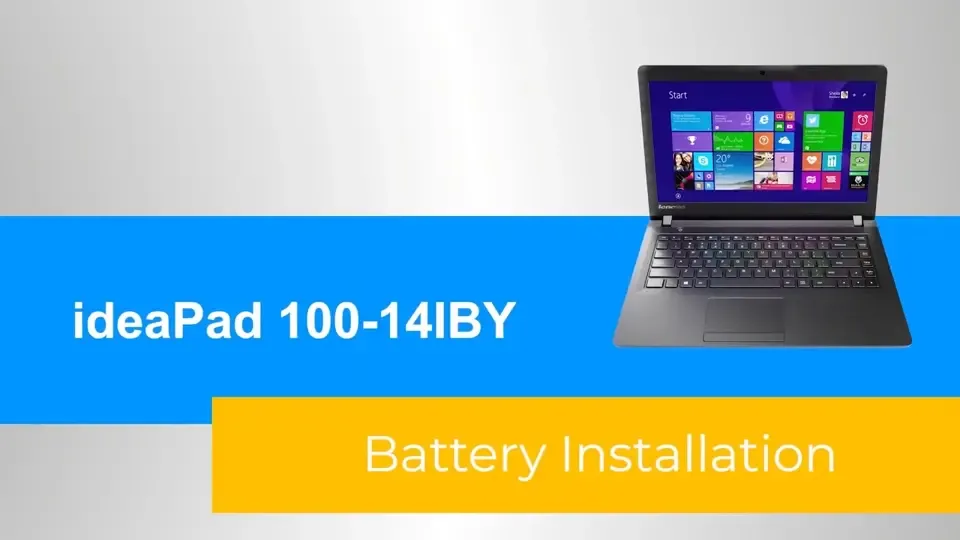
This series shows battery removal, battery installation, keyboard removal and keyboard installation on the IdeaPad 100-14IBY. Each short video focuses on one procedure, using close-up views and on-screen instructions.
Choose the procedure below and use its player controls to start, pause, seek or adjust the volume. No video starts automatically.
Accessibility
Captions, transcripts and audio descriptions were not supplied with these videos. An accessible equivalent is still needed.